Back to home

Blog

Tips, tutorials, and updates from the Trumbone team.

Common AI Video Mistakes and How to Fix Them
August 1, 2026·ai videotroubleshootingpromptingvideo editingcreative workflowtrumbone

Common AI Video Mistakes and How to Fix Them

Most AI videos fail for the same handful of reasons: vague prompts, character drift, no rhythm, unreadable text, and audio treated as an afterthought. Here are eleven mistakes creators keep making, and the specific fix for each one.

How to Make AI Videos Look More Cinematic
August 1, 2026·ai videocinematographypromptingvideo editingcreative workflowtrumbone

How to Make AI Videos Look More Cinematic

Cinematic is not a filter you apply at the end. It comes from shot choice, lighting, camera movement, color consistency, pacing, and sound. Here is how to build those decisions into your AI video from the first prompt.

Getting Great Characters in Trumbone
July 16, 2026·tutorials

Getting Great Characters in Trumbone

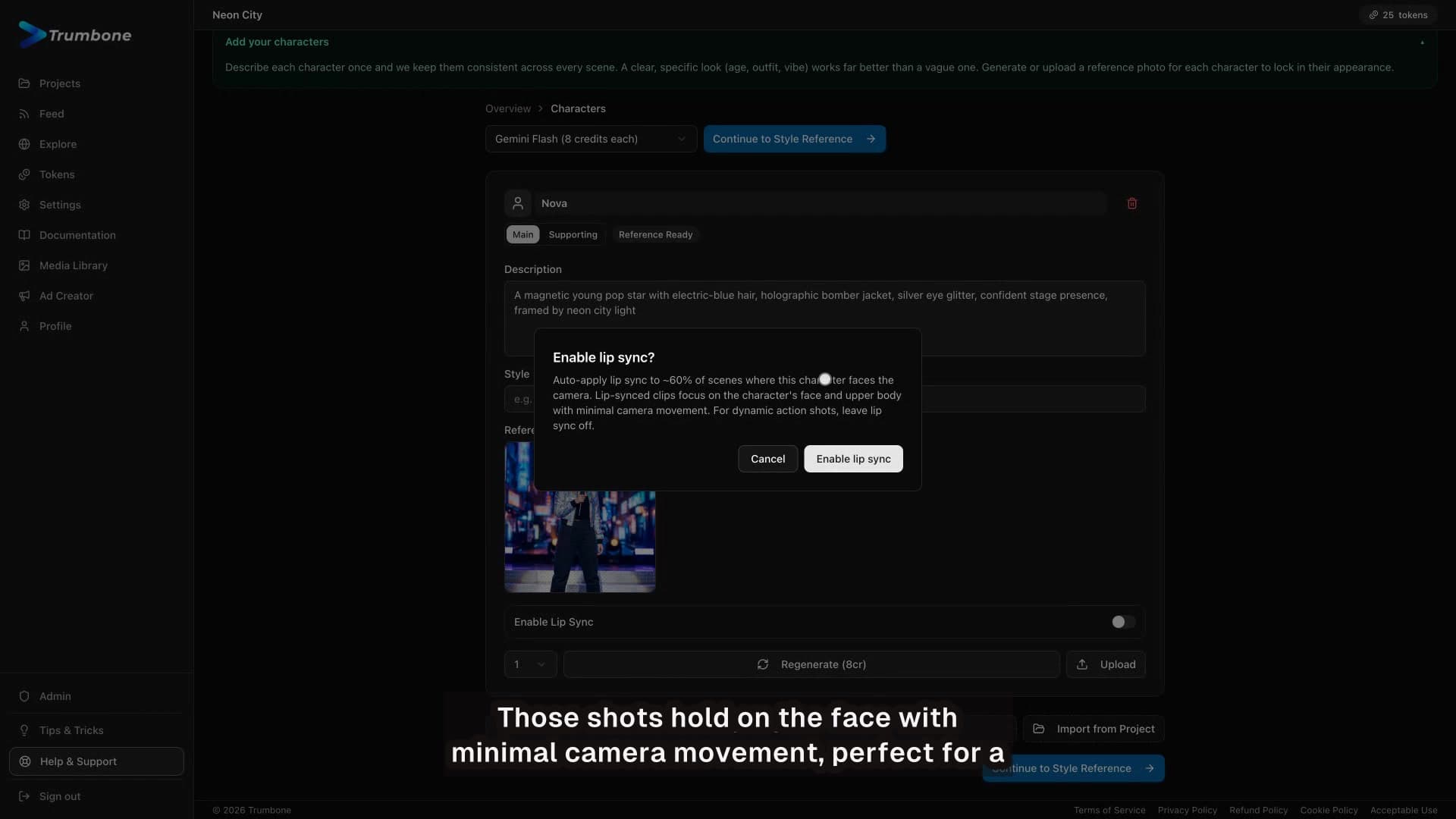
A consistent character is what makes a music video feel real. Here is how to describe, lock, and reuse one across every scene in Trumbone.

10 Tips and Tricks for Better Music Videos in Trumbone
July 16, 2026·tutorials

10 Tips and Tricks for Better Music Videos in Trumbone

Ten quick habits that make every music video you build in Trumbone faster and sharper, all shown live in the app.

How to Make a Music Video with Trumbone: Full Walkthrough
July 16, 2026·tutorials

How to Make a Music Video with Trumbone: Full Walkthrough

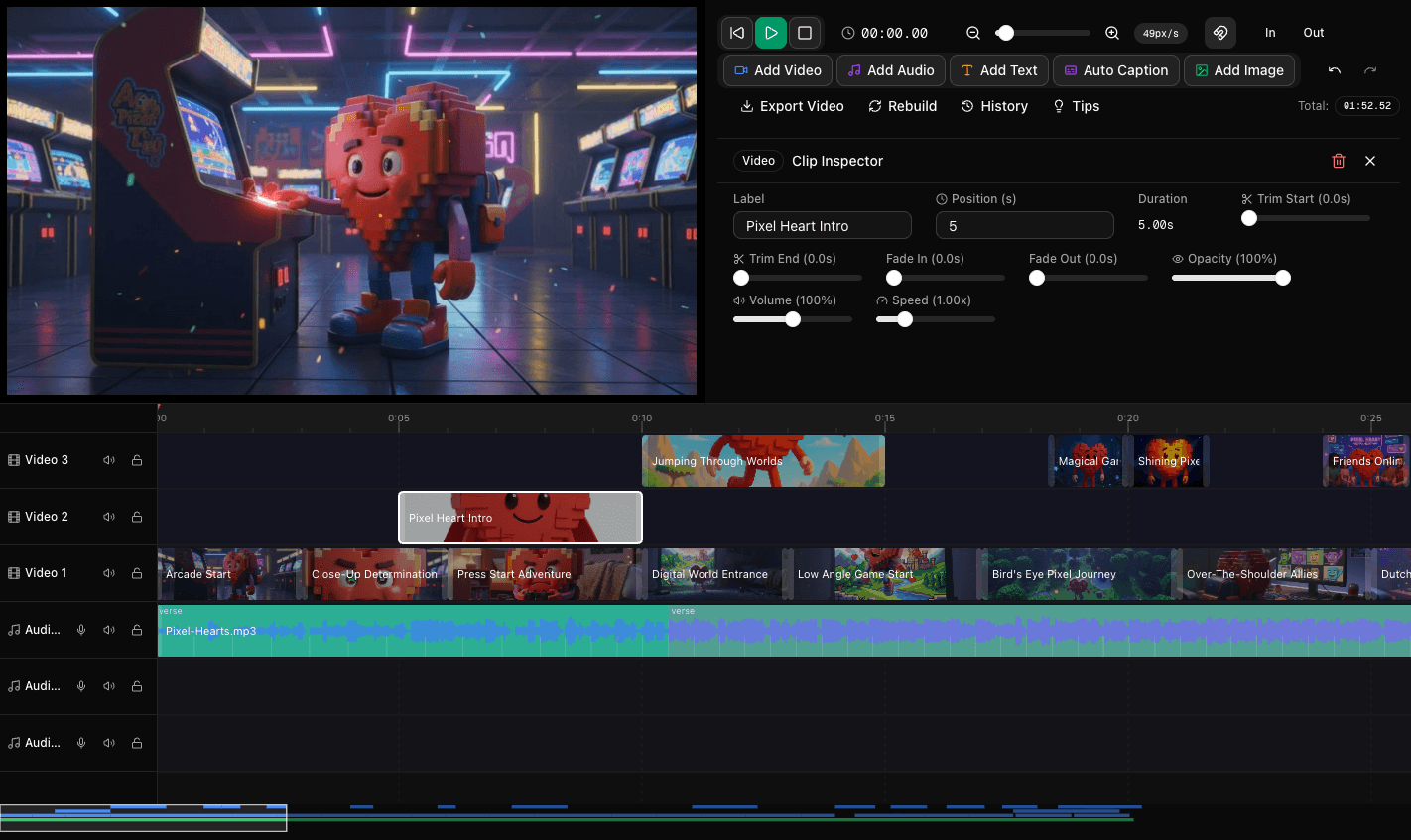
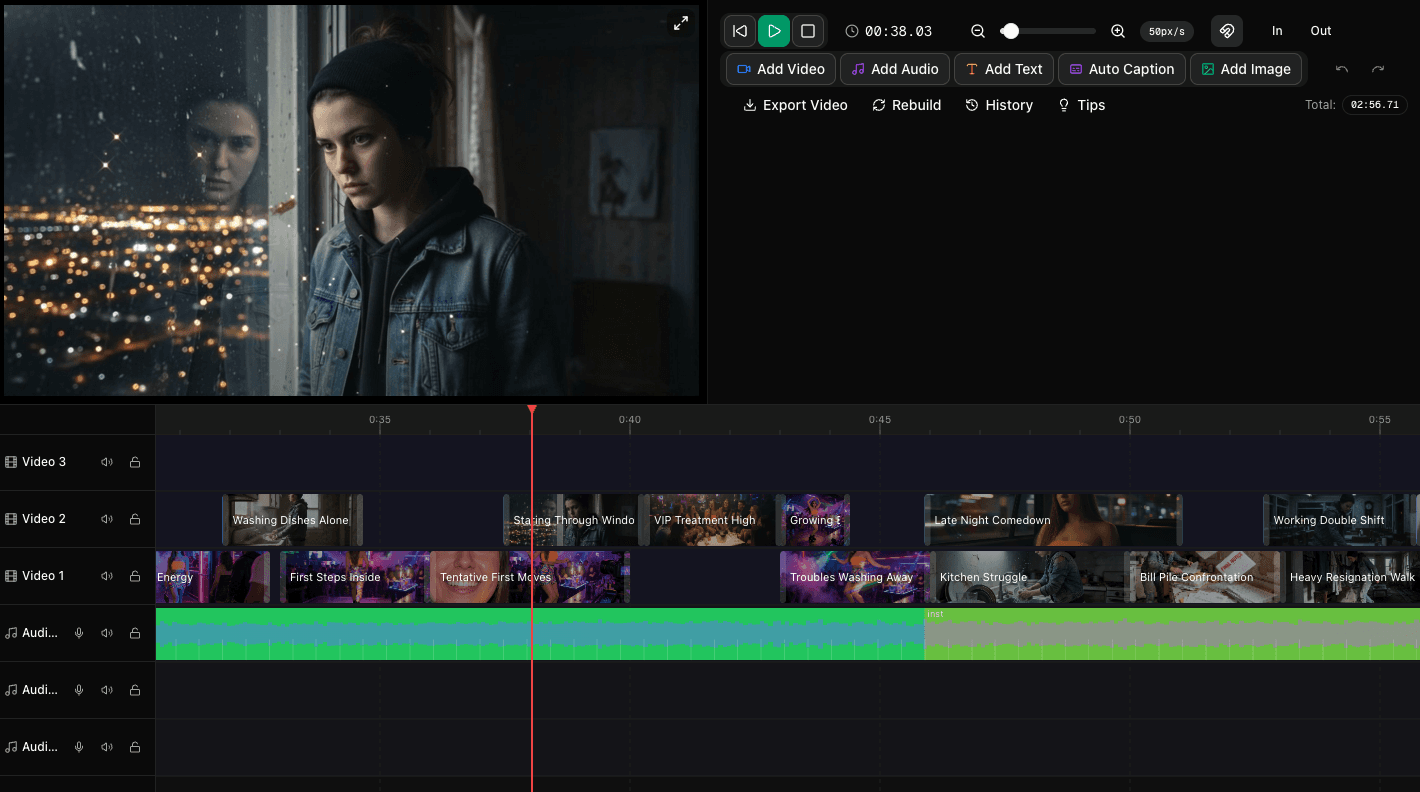
A complete, start-to-finish walkthrough of making a music video in Trumbone: casting characters, setting a style, analyzing your song, generating scenes, and editing on the timeline. No camera or editing experience required.

The Secret to Perfect AI Videos: Why Regenerating Versions Changes Everything
June 11, 2026·ai videovideo editingstoryboardingcreative workflowtrumbonecontent creation

The Secret to Perfect AI Videos: Why Regenerating Versions Changes Everything

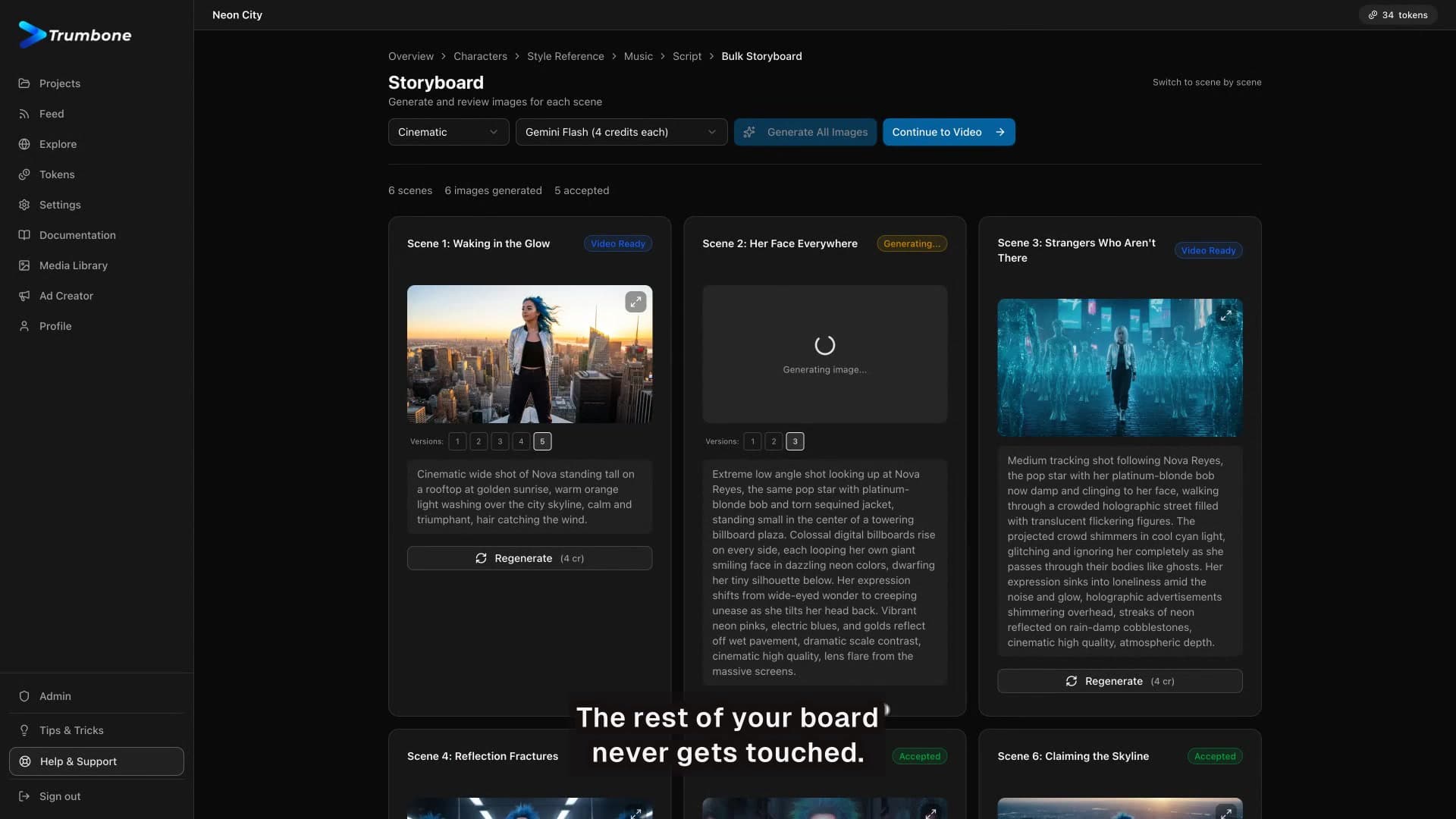
The biggest difference between average AI videos and polished ones is simple: generate multiple versions, then cherry-pick the best moments. Here’s how to use script regeneration, fresh visuals, and timeline editing to get dramatically better results.