
July 16, 2026·tutorials
How to Make a Music Video with Trumbone: Full Walkthrough
A complete, start-to-finish walkthrough of making a music video in Trumbone: casting characters, setting a style, analyzing your song, generating scenes, and editing on the timeline. No camera or editing experience required.
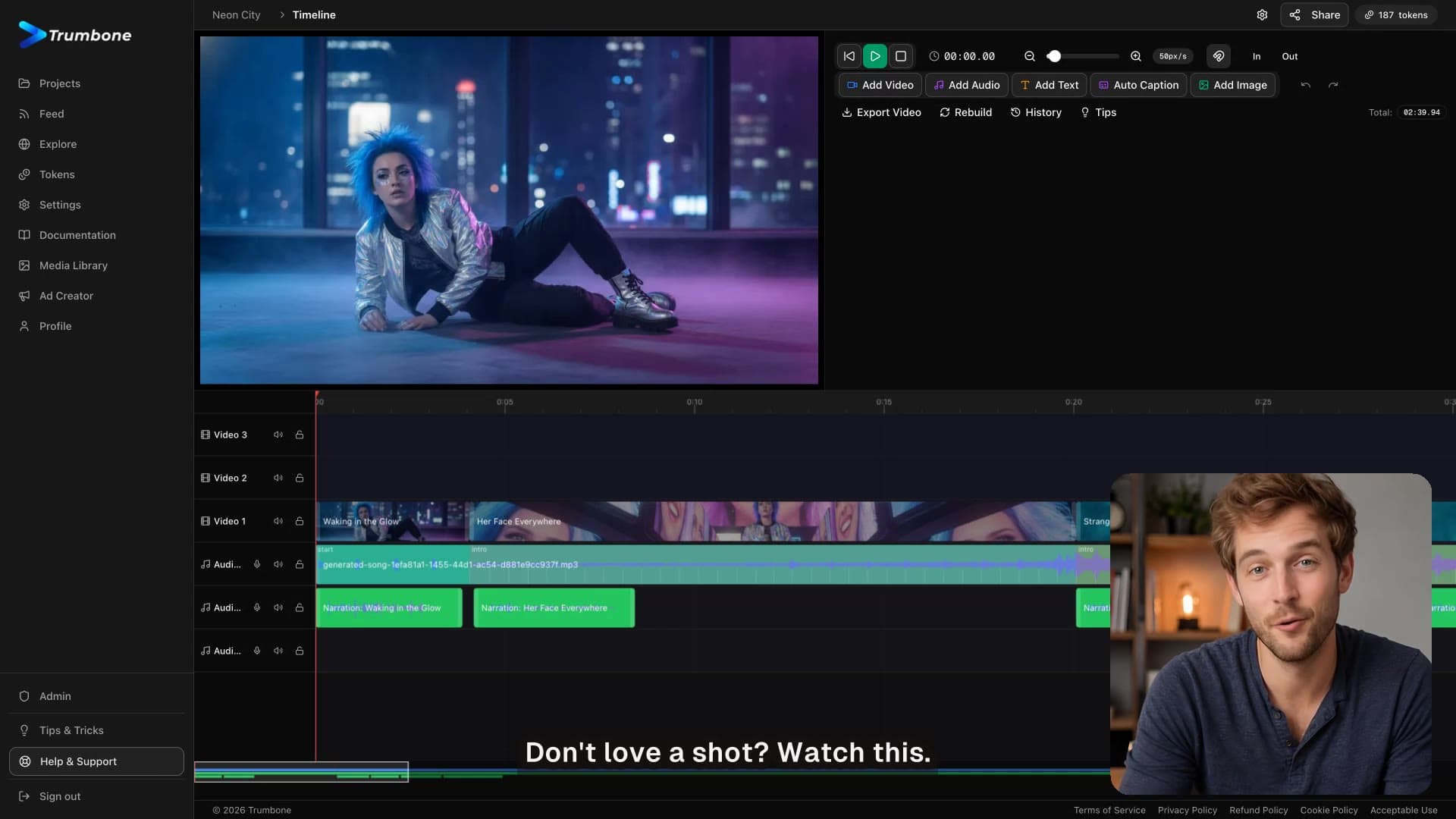
Ever wanted to make a music video but did not have a camera, a crew, or any editing experience? In this full walkthrough, our host takes you through the real Trumbone flow from start to finish, using a live project called Neon City: one song and one idea turned into a finished music video.
What you will learn
The walkthrough follows the app's actual step order, so you can build alongside it:
- Cast it. Add a character, describe their look, and generate a reference image that keeps them consistent across every scene.
- Lock in the look. Set a style reference by picking a ready-made preset or describing your own, so every image shares one art style, color, and mood.
- The song and analysis. Generate a track or upload your own, then let Trumbone map its beats, sections, and lyric timings so your scenes line up with the music.
- Your script. Trumbone writes the scenes from your song and creative brief, one scene at a time. Read it, tweak anything, and move on.
- Bulk or scene by scene. Generate every image and video in batches for a fast full draft, or step through one clip at a time to review each before moving on.
- Regenerate on the timeline. Everything lands on a real multitrack timeline, your shots on one track and your song underneath. Right-click any shot you do not love, change its description, and drop a new version straight onto the timeline.
- Ship it. When it is right, hit export and get a real video you can download and share anywhere.
Follow along
Watch the full walkthrough above, then open the app and build your own. Music videos in minutes.