
July 16, 2026·tutorials
10 Tips and Tricks for Better Music Videos in Trumbone
Ten quick habits that make every music video you build in Trumbone faster and sharper, all shown live in the app.
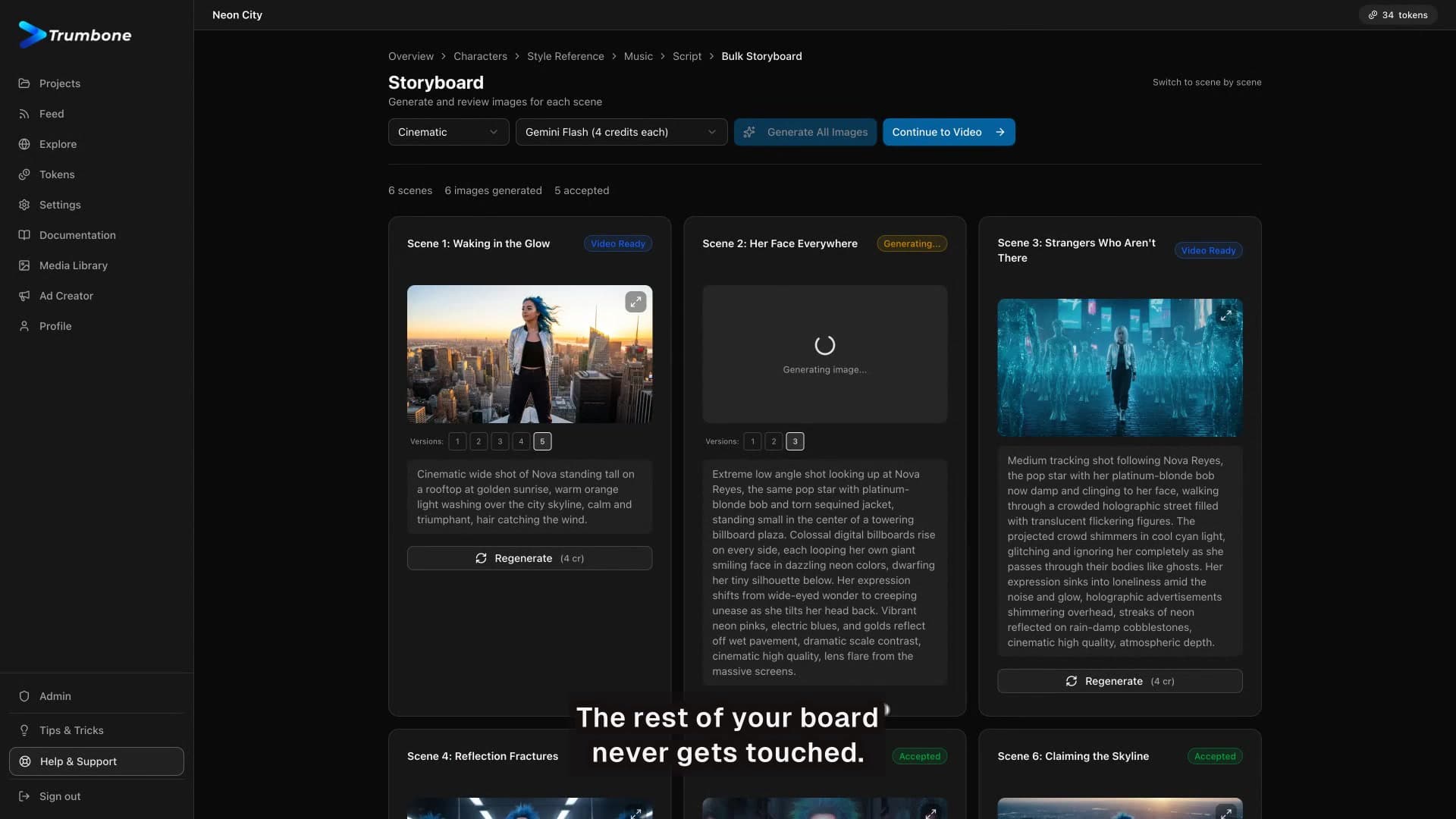
Once you have made a music video or two in Trumbone, a handful of small habits make every project faster and better. In this episode our host walks through ten quick tips and tricks, all shown live in the app.
The ten tips
- One face, every scene. Lock your character so they stay consistent across every shot.
- Fix one cell, keep the rest. Right-click a single clip to regenerate just that one, without touching the rest of your video.
- Lip sync is a switch. It is per character, and it is a choice you can toggle on or off.
- Your track works too. If you already own the song, just upload it instead of generating one.
- Trim it, do not redo it. A clip running a beat too long? Trim it on the timeline instead of regenerating.
- Fade out like a pro. Every clip has fade in, fade out, and its own volume right in the inspector.
- Captions, automatically. Auto-caption your whole timeline in one pass.
- Every project is a library. Your whole account becomes one big b-roll library you can reuse.
- 720p drafts, 1080p finals. Draft in 720p to move fast, then export your final in 1080p.
- Ship it to Explore. Publish your finished video to the Explore feed and keep making things.
That is ten ways to move faster and keep your videos looking sharp. Music videos in minutes. Start yours free at trumbone.com.